VS插件+Pandoc实现md转doc
- Install vscode extension to realize previewing md file.
Markdown preview enhanced
In md editor, right-click then select 'MPE: 打开侧边预览'

- Install Pandoc software <installment website>
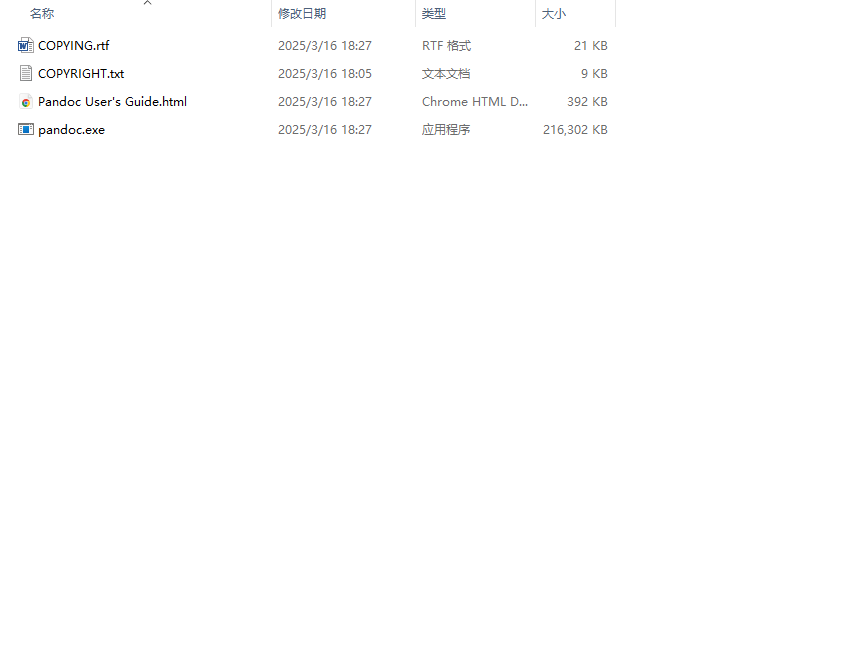
Intall it by following default steps, and the results as follows
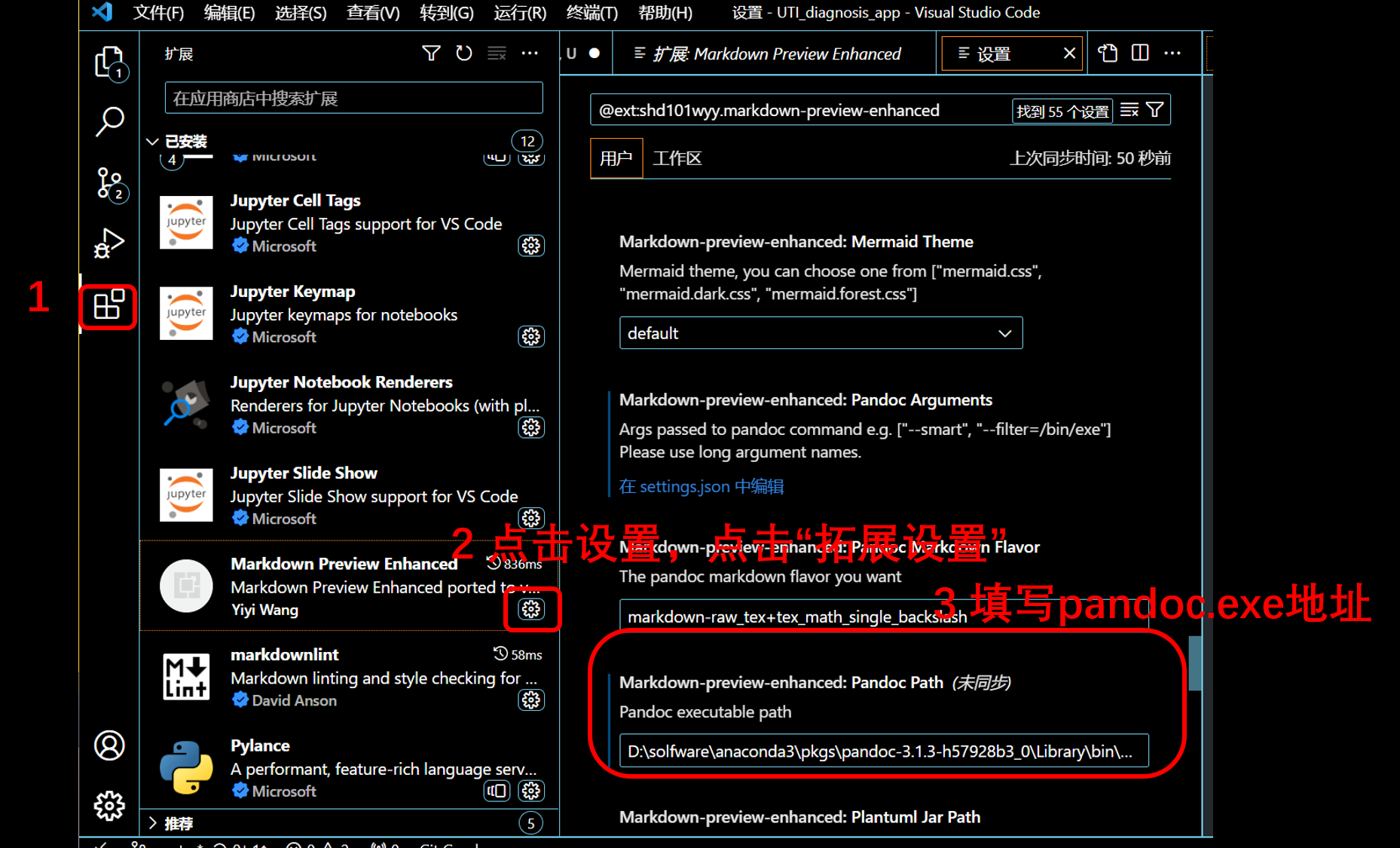
- set parms of MPE
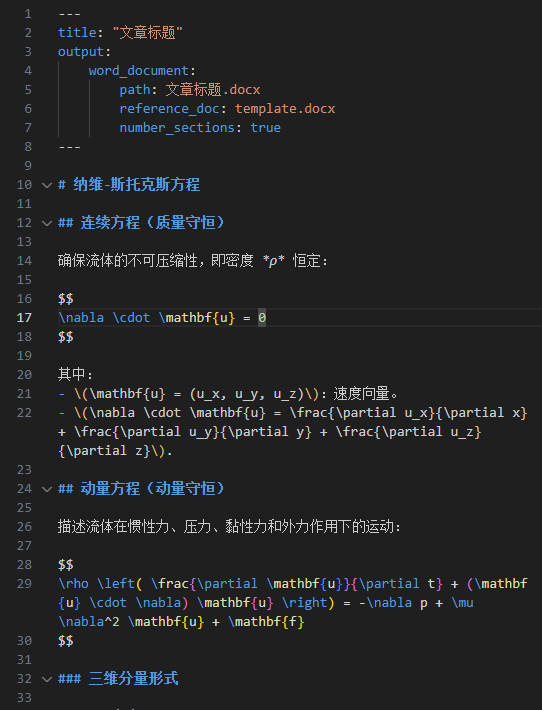
- If you need turn md into docx, you should add some statement at the top of md file <detailed info as shown in official document>
(NOTE: when you have set successfully, maybe you need to restart computer to use pandoc.(maybe you will meet a question: you need set specfic output format) )
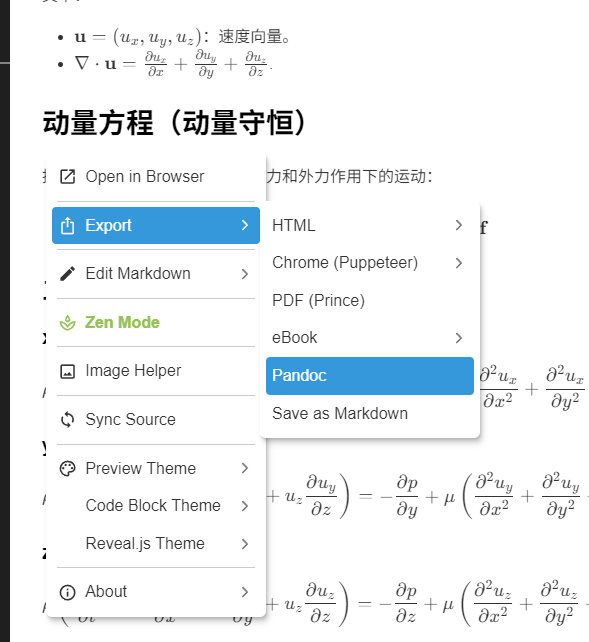
Then open MPE, right-click and select ''export-pandoc'
NOTE: The original purpose is that transfer formula generated by AI corporate into word format(.docx). But the formula format in the word is latex or unicode, so if you want the format is mathtype, you need use pluge-in component, mathtype, to transfer format.